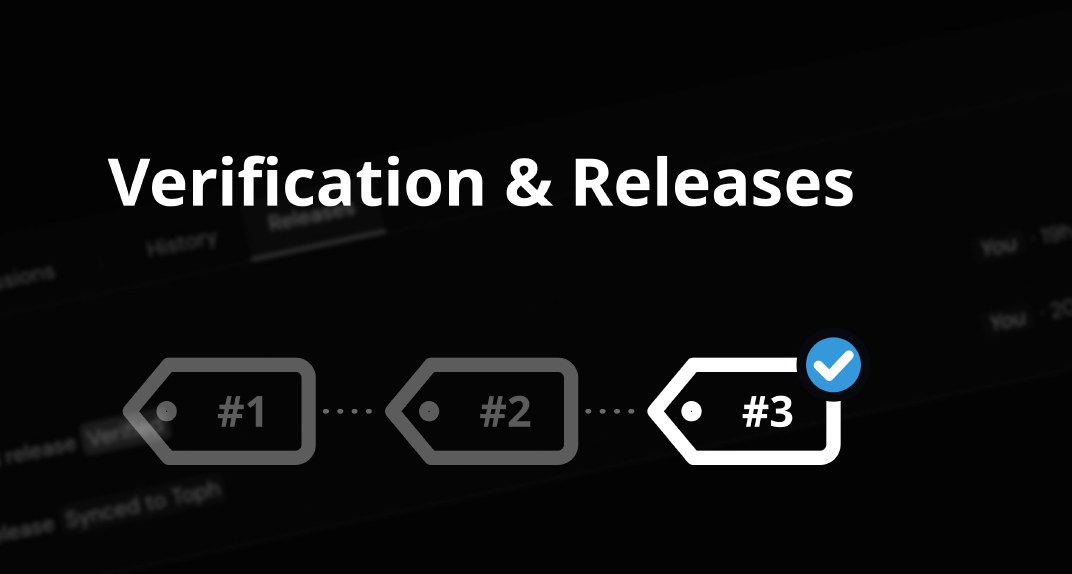
Check a whole problem in one step, mark a version as ready, and choose exactly what Toph gets.
Preparing a problem takes many edits, often by several people, and often right up until the contest. Two new features in Drafts help you know when a problem is ready, and make sure Toph gets the version you meant: verification and releases.
Click Verify under Solutions → Verification, and Drafts checks the whole problem in one step:
Give each solution an Expected Verdict first, and mark your official solution as the Reference.
A verification stays valid until something that affects judging changes. Edit a test, a solution or the limits, and the problem shows Verification outdated until you verify again.
Read Verification to learn more.
A release is a frozen copy of your problem: statements, tests, solutions, checker, limits and everything else. Click Create release to make one. Releases are numbered, carry a name and a note, and are marked Verified when the problem was verified exactly as released.
On the new Releases tab, you can:
When Toph synchronizes a problem from Drafts, it can now take either the latest release or the current state.
Taking the latest release means work in progress no longer slips into a contest by accident. Taking the current state still works as before, but Toph now gets a consistent copy even if someone is editing at that moment.
Either way, Drafts now keeps track of exactly what Toph has. The problem’s page shows “On Toph: Release #3 · 2 changes since”, History shows when the problem was synchronized, and you can compare or restore from what Toph has at any time.
Read Releases to get started.
If you have any questions or need assistance, please don’t hesitate to contact Toph support or join the conversation in our community forum.